
Checking your Tesla's battery health
The car's own Battery Health screen and test, a certified report, or your charging data: three ways to check a Tesla battery, normal loss and the warranty.
On this page
Your Tesla watches its battery closely, and you can too. There are three ways to check its health, from a quick look in the car to a certified report, and each one answers a different question. This guide explains them, what loss is normal, and what the battery warranty covers. For the general principles, see our guide to measuring EV battery degradation.
What the car can tell you
On cars that have it, the touchscreen shows an evaluation of the battery under Controls > Service > Battery Health. The car calculates it from its battery management data and compares it with the energy retention expected for your battery type, age and usage.
The same menu offers an optional Battery Health Test, which gives the percentage of energy the battery retains compared with when it was new. According to Tesla’s owner’s manual:
- the car must be in Park, connected to Wi-Fi or a cellular network and plugged into an AC charger providing at least 5 kW, with less than 20% charge left, no pending software update and no active battery or thermal alert;
- the test takes up to 24 hours: the battery is discharged below 10%, possibly down to 0%, and features such as Sentry Mode and climate control are turned off, so Tesla warns not to leave anyone unattended in the car;
- Tesla recommends running it only if you are concerned about the battery’s energy retention. Afterwards, the range estimate may be recalibrated, and the test stays unavailable until the battery has changed enough to be measured again.
Not every car offers the test, and menu names can differ with the model and the software version.
Why the range at 100% is not a health check
Many owners judge their battery by the range the car displays at full charge. It is a rough indicator at best. The displayed range is an estimate: the battery’s estimated energy divided by a constant consumption figure, so it moves with the car’s own calibration. A lower figure after a few cold weeks, or a jump after a software update, says little about the battery itself. What matters is the usable capacity in kWh, followed over months.
A certified report
When you buy or sell a used Tesla, a report from a third party is what counts. A garage or an independent provider reads the battery data, sometimes with a full charge and discharge, and issues a document. An estimate made at home, however careful, is not something a buyer can rely on.
Your own charging data
Day to day, you can follow the battery yourself. Each charge tells you how much energy went into the battery and how far the charge level rose; the ratio gives the usable capacity.
Method
Usable capacity ≈ energy added to the battery (kWh) ÷ increase in charge level (as a decimal: 0.65 for 65 points)
Example
A Supercharger session adds 50 kWh while the charge level goes from 15% to 80%, that is 65 points.
Estimated usable capacity: 50 ÷ 0.65 ≈ 77 kWh.
Use the energy the car shows as added to the battery: the energy counted by your meter or billed at a Supercharger can be higher. Wide charging windows give the most reliable estimates, and long fast-charging sessions often provide them. Compare the result with the usable capacity of your version when new, and follow the trend rather than a single value: temperature and the car’s calibration make each estimate move a little. Our guide to measuring EV battery degradation explains the limits of the method.
How much battery degradation is normal
A battery loses capacity with age and use, usually faster at first, then more slowly. Tesla’s impact reports for 2022 and 2023 give fleet averages: about 12% of capacity lost after 200,000 miles (320,000 km) for Model S and Model X, and about 15% for Model 3 and Model Y Long Range. These are averages over many cars. Yours may do better or worse, depending on its battery chemistry, the climate, and how it is driven and charged.
What the warranty covers
Tesla’s battery warranty lasts 8 years with at least 70% of the capacity retained, up to a distance that depends on the model. In Europe, that is 160,000 km for Model 3 and Model Y Rear-Wheel Drive, 192,000 km for the Long Range and Performance versions, and 240,000 km for Model S and Model X: 100,000, 120,000 and 150,000 miles where distances are counted in miles. Terms can change with the country and the model year, so your warranty document is the reference.
Habits that help
Tesla’s own advice fits in a few lines: leave the car plugged in when you are not using it, keep the daily charge limit the car recommends, and avoid leaving the battery near 0% or 100% for long periods. The car’s charging screen shows the daily limit recommended for your battery.
What Voltessa does
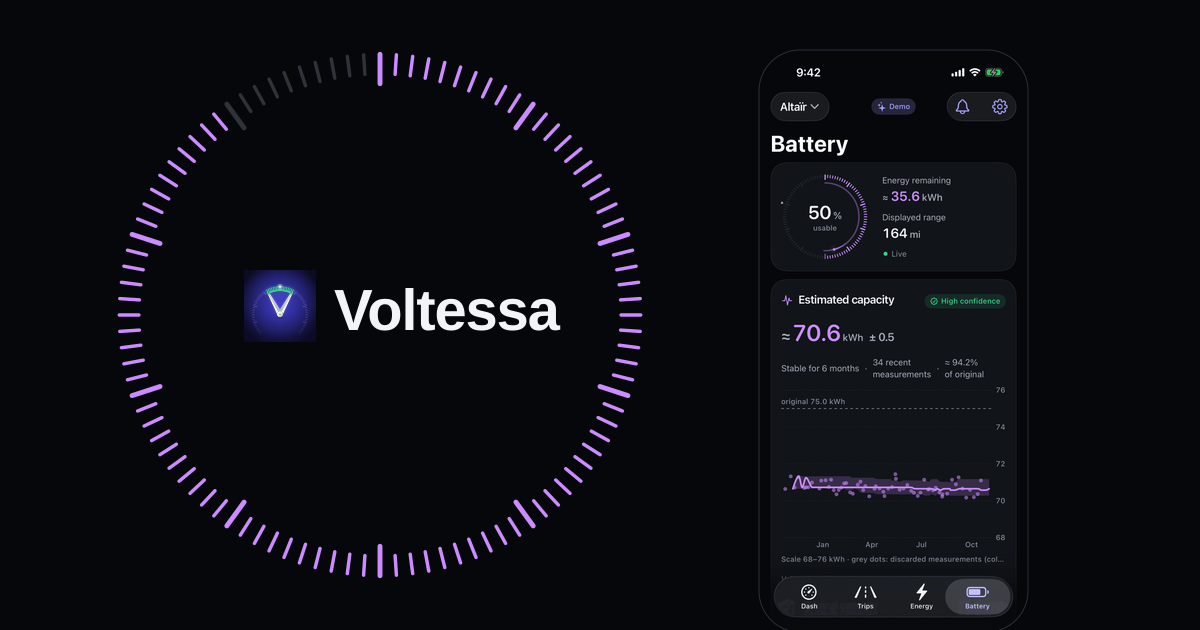
Voltessa follows your Tesla’s battery from its own data. It estimates the usable capacity after each significant charge, with the margin of the estimate, and shows a health percentage once the estimate is reliable enough and the battery’s original capacity is known. It also counts the equivalent full cycles over the car’s lifetime from its energy counter, and measures the energy lost while the car is parked over the last 7 days, with the share of that loss that occurred while Sentry Mode was on. It is an estimate built from your car’s data, not a certified battery test, and the app says so.
Voltessa works with Tesla vehicles, on iPhone, iPad, Mac and Apple Watch. To see what each charge costs, read our guide to the cost of charging a Tesla.
Related articles
Battery degradation: what you can measure yourself, and what you can't
What degradation means, how usable capacity is estimated from your own charges, why the estimate moves, and what only a certified battery test can tell you.
How much does it cost to charge a Tesla?
What a Tesla charge really costs at home and at a Supercharger: the formula, charging losses, off-peak hours, Supercharger prices and fees, and the invoice.
Your Tesla's real-world consumption and the Energy app
Where your Tesla shows its consumption in Wh/mi or Wh/km, why the range on screen differs, and what makes it vary: speed, cold, short trips, climate.