
How much does it cost to charge a Tesla?
What a Tesla charge really costs at home and at a Supercharger: the formula, charging losses, off-peak hours, Supercharger prices and fees, and the invoice.
On this page
It depends above all on where you charge. At home, you pay your electricity rate for the energy drawn from the wall, which includes what is lost on the way into the battery. At a Supercharger, you pay Tesla’s price for that site and that time of day, sometimes with fees. This guide covers both, with formulas and worked examples you can redo with your own numbers.
At home
Method
Cost of a home charge = energy drawn from the wall (kWh) × your rate (per kWh)
At the end of a session, the car shows the energy added to the battery. Your Wall Connector or your meter counts the energy drawn from the wall, which is always a little higher because of charging losses, and your bill is based on that second figure. Our guide to the cost of charging at home explains where the missing kilowatt-hours go and how to measure your own losses once.
If your contract has cheaper hours, the most useful Tesla setting is scheduled charging: from the charging screen or the Tesla app, you can set the car to start charging, or to finish by your departure time, inside your off-peak window.
Example
The car adds 40 kWh overnight. With 10% charging losses, about 44 kWh are drawn from the wall.
At an off-peak rate of 0.20 per kWh: 44 × 0.20 = 8.80.
These values are an example, not a typical case: use the energy shown by your car, your measured losses and the price printed on your contract.
At a Supercharger
Tesla sets Supercharger prices site by site:
- in most countries, you pay per kWh; in a few places, per minute;
- the price often depends on the time of day, with cheaper periods when the site is less busy;
- the car’s navigation and the Tesla app show the price of each Supercharger before you arrive.
At busy sites, Tesla can charge by the minute for a car that keeps a stall. Depending on the site, these are idle fees, charged when your car stays connected after charging has finished, or, in some places instead, congestion fees, which can start once your battery passes a set level, often 80%, or once charging has ended. Rules and amounts vary with the country and the site, and the Tesla app notifies you when charging is complete so that you can move the car.
The invoice is the reference
Tesla issues an invoice for every Supercharger session, available in the Tesla app’s charging history. It shows the energy billed, the price per kWh, any fees and the total. The energy billed is measured by the Supercharger, so it can differ slightly from the energy the car shows as added to the battery.
Example
An invoice shows 50 kWh at 0.45 per kWh, with no fees.
Cost of the charge: 50 × 0.45 = 22.50.
Again, these values are only an example: prices vary a lot between countries, sites and times of day.
From the cost of a charge to the cost per 100 km
Method
Cost per 100 km = consumption (kWh/100 km) × price per kWh
For home charging, use the consumption measured at the wall; for Superchargers, the consumption calculated from the energy billed. Depending on your rate, charging at home can cost much less per 100 km than Supercharging, or about the same: compare your home price per kWh, losses included, with the Supercharger price at the times you charge. To see what makes consumption vary on a Tesla, read our guide to your Tesla’s real-world consumption.
What Voltessa does
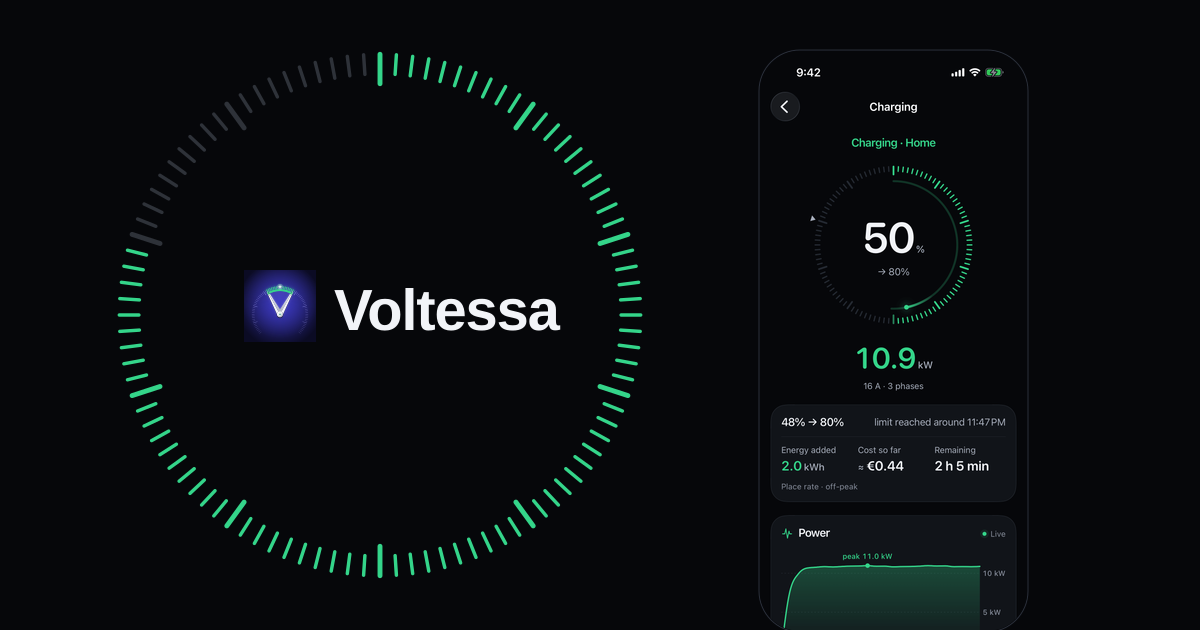
Voltessa records every charging session of your Tesla, with the energy added and its power curve. At home, it applies the rates you enter once, with their peak and off-peak hours and their seasons. At a Supercharger, if you have given Voltessa access to your Tesla charging history, it retrieves the session’s invoice and uses the amount Tesla billed, fees included. Each month, Voltessa shows what your charging cost and breaks down the change from the month before. If you enter a gas car’s consumption and fuel price, it also shows what that car would have cost.
Home costs are estimates built from the energy your car reports and the rates you set, and the app marks them as such; Supercharger costs come from Tesla’s invoice when Voltessa has been able to retrieve it.
Voltessa works with Tesla vehicles, on iPhone, iPad, Mac and Apple Watch. To follow the health of the battery itself, read our guide to checking your Tesla’s battery health.
Related articles
What it costs to charge an electric car at home
The formula behind a home charge: energy drawn from the wall, charging losses, your rate and its off-peak hours, with a worked example you can redo yourself.
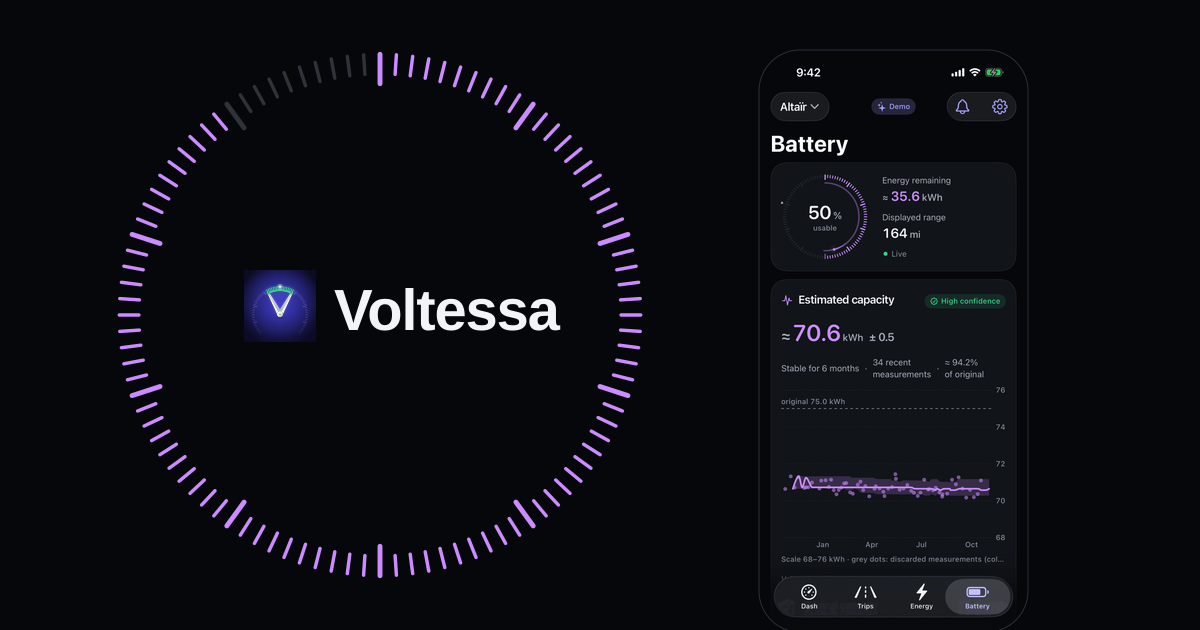
Checking your Tesla's battery health
The car's own Battery Health screen and test, a certified report, or your charging data: three ways to check a Tesla battery, normal loss and the warranty.
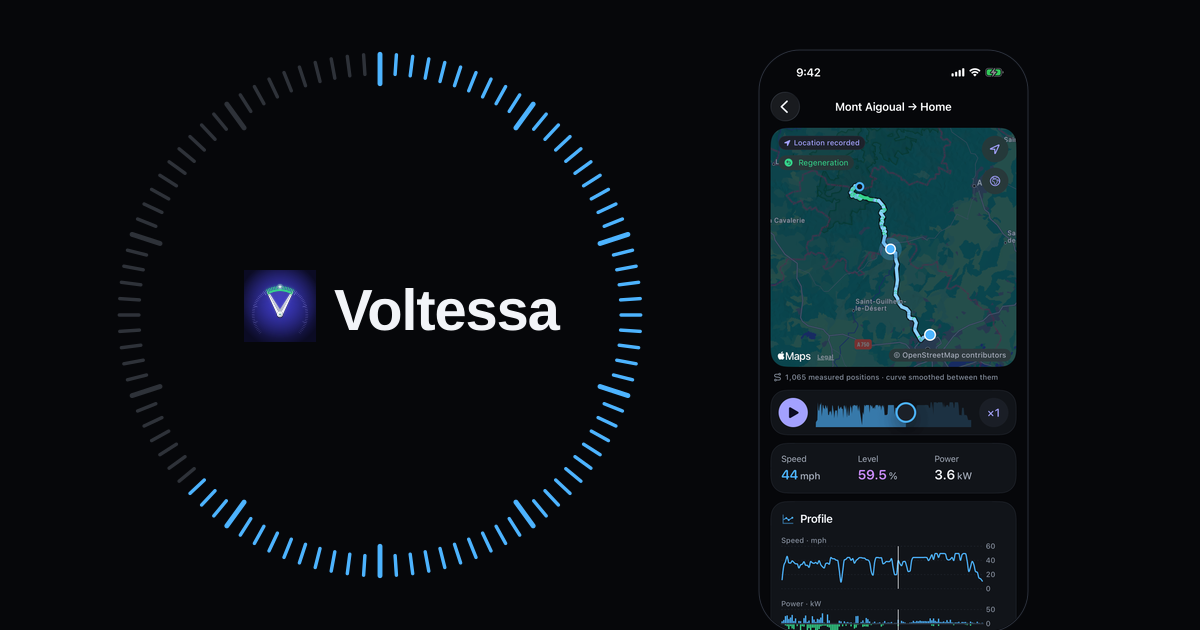
Your Tesla's real-world consumption and the Energy app
Where your Tesla shows its consumption in Wh/mi or Wh/km, why the range on screen differs, and what makes it vary: speed, cold, short trips, climate.